Contents - Index - Previous - Next
Sets - Launching the Set Player
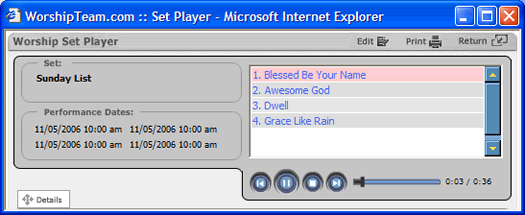
After mouse-clicking on the Launch button from the Practice Pad, the Set Player will be launched. The Set Player launches as a separate window, allowing you to listen to and review your set, while still performing other functions in Worshipteam.com. You can even run it separately, once launched, to allow you to listen to it after you have close Worshipteam.com. The Set Player looks like this:
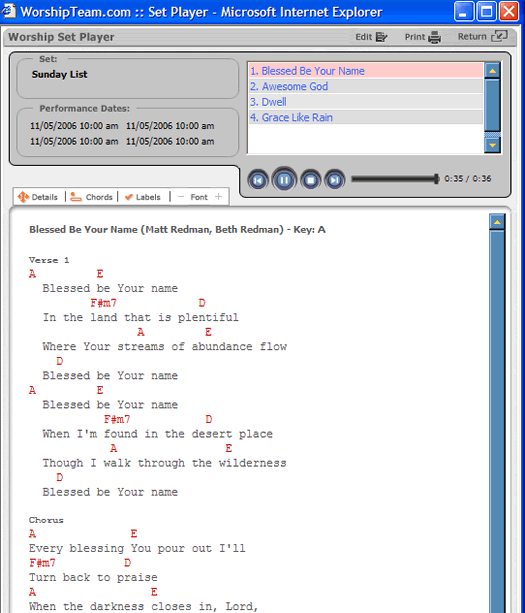
The Set Player operates exactly the same as the Practice Pad, except that it initially does not have the song content (chord charts or lyrics) appearing while the songs play. But you can still activate that feature if you would like, simply by clicking on the "Details" button in the lower left portion of the Set Player. Expanded, your player will look like this: