Contents - Index - Previous - Next
Sets - Printing
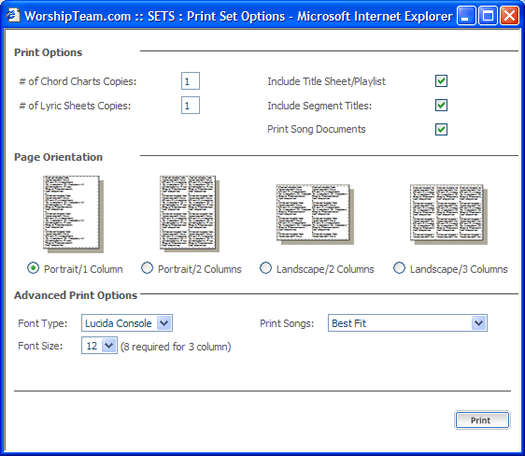
The last portion that we will examine in our brief tutorial tour through Sets is printing. From either the Set Player or Practice Pad you will note a "Print" icon. Selecting it will bring up a print options dialog as follows:
We won't go over the options in detail here, but you can examine them for yourself at your leisure. Once you have chosen the appropriate options, simply select the "Print" button. This will begin to generate your printable document. While it is processing this print selection, you will see a window appear indicating the PDF document is being generated.

Once that is completed, the PDF document itself will appear to your screen through your web browser, as follows:
