Contents - Index - Previous - Next
Tour Stop 4 - People
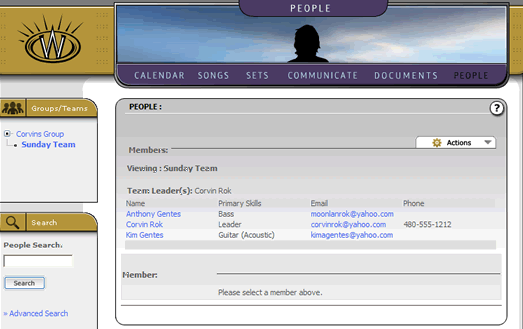
The people section of the Worshipteam.com site is the place where you can view, manage, invite, and remove members to your teams and group. When you first enter this section of the site, you will see a listing of the members that belong in the current team (currently selected group/team context), such as the example below.
Selecting the member's name (left most column in the display list) will allow you to view the details of that team member. This includes information about the member's contact data, group/team affiliations, and configured skills.
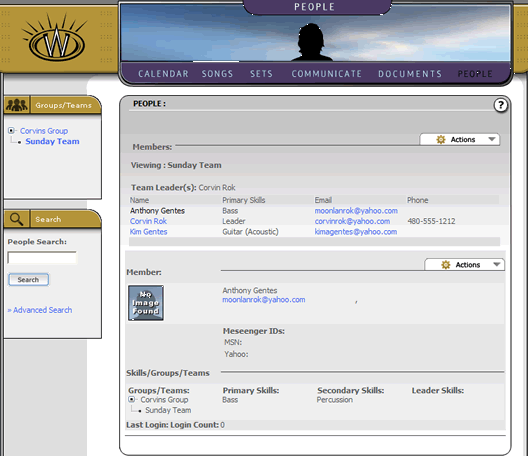
Group and team administrators will also have the ability to edit some of this information as needed. While we won't examine all the functionality available in each of these sections for this introductory tour, the people section has many other details to it, including the ability to configure a group or team with specific skill default requirements for scheduling, assigning members to teams, assigning administration rights and more.
Of note here is that the people section is constrained to the number of total members allowed in the group Account Level.