Contents - Index - Previous - Next
Tour Stop 5 - Documents
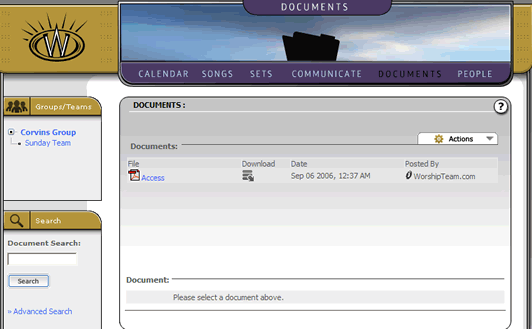
The next stop in our quick tour is the documents section. This is a workspace area that allows administrators to post documents that are of use to the group or team in which they are posted. When a group is first created, it will contain a copy of the user license agreement for Worshipteam.com, as an example of how a file can be posted to the documents area.
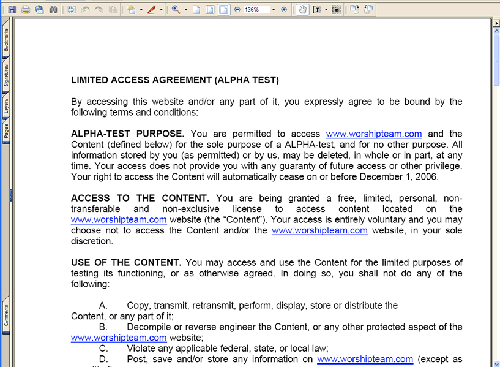
Any user in the group or team in which the document is posted, can view a document details, by selecting the document title. Any user can also download the document to their computer by selecting the download icon next to the document title. For example, below we see the user selected the download button, and the user license agreement PDF is loaded on the users computer and opened for viewing.
Any single document posted in this share area is limited in size to 20Meg. You can post as many documents as you like, as long as you stay within the document space limitation. The document section is constrained in storage space to the amount of Megabytes included in the group Account Level.