Contents - Index - Previous - Next
Tour Stop 6 - Communicate
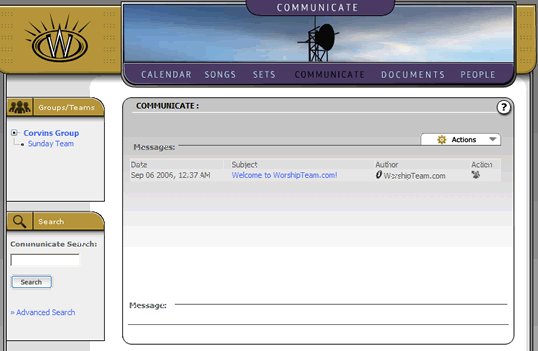
Next stop on our tour-- the communicate section. As the name suggests, this is the area that allows members to communicate. When you initially create a group, an initial message is placed in the group level, welcoming your group members to WorshipTeam.com. You can see this in the screen shot below:
Viewing Messages
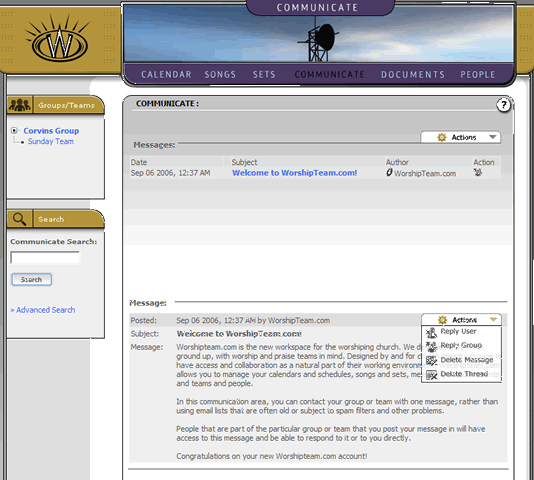
Each message is listed in chronological order, with the newest messages being added to the top of the message board. To view a message, simply select the subject line and the message contents will appear below, as seen in this screen shot.
Posting New Messages
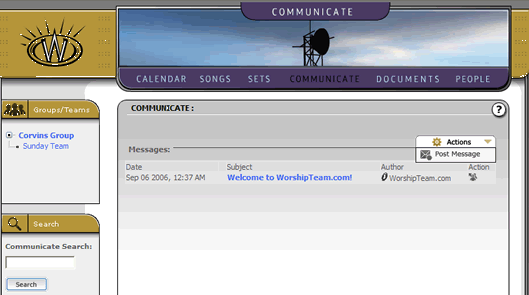
By default, any member can post a message to the group/team that they belong to. The process is easy. Simply select the Post Message action, as shown below.
The poster simply fills in the subject line and the contents of the message. There is also an option to automatically email the other members of the appropriate group/team with a copy of the message.
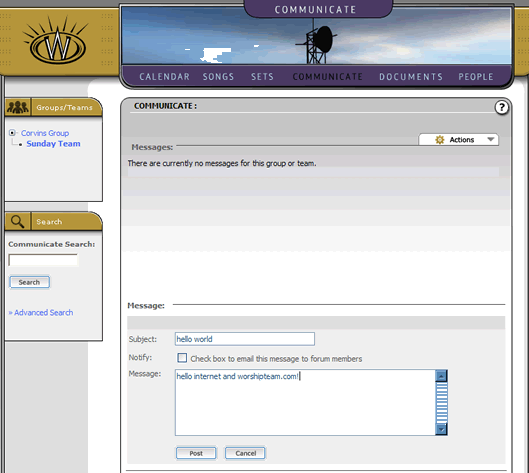
Once the message is composed, the user simply clicks the "Post" button to place the message in the communicate area and, if selected, email the message to the other members. A successfully posted message will appear in the message listing, as follows:
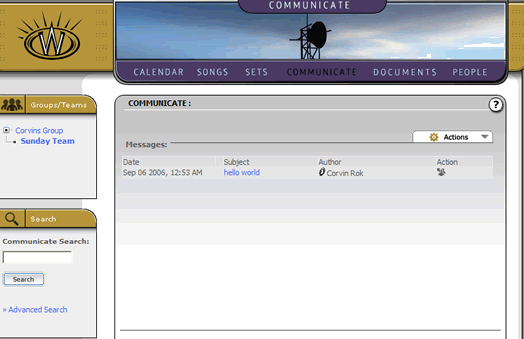
Messages are archived and there is currently no limitations on the number of messages posted. Because this communicate area is limited to its members only, your groups/teams messages are not seen by anyone else.
Messages may have an additional expand link (the "+" sign) appended to the beginning of the subject in the message listing. This indicates that a message has follow-up responses that have been posted. Clicking on the "+" expand link will show the responses in the sequence they were posted. Each of those responses can be selected and viewed by the user.
Users have the ability to edit previous posts, reply to posts and so forth. Administrators have additional abilities allowing them to delete messages, delete entire threads of messages, or even ban specific users from further postings.